
Snippet — Code Notebook & AI
A personal code notebook and compose-highlight showcase for Android
A personal code notebook & compose-highlight showcase
Snippet is a personal code notebook for Android and the official showcase application for compose-highlight, a syntax highlighting library for Jetpack Compose.
It provides a fast, offline-first place to organize code snippets, explore syntax themes on mobile, sync GitHub Gists, and export styled code cards.
Key Features
🎨 Syntax Highlighting & Theme Gallery
Powered by compose-highlight, preview code syntax directly in Jetpack Compose across dozens of popular editor themes (Dracula, Monokai, GitHub Dark/Light, Nord, Solarized, Material Ocean) with full dark and light mode support.
📁 Local Code Notebook & Search
Keep your code snippets and clipboard clips organized locally with tags and language metadata. Full-text search powered by SQLite Room and FTS4 lets you quickly find saved code, functions, or notes.
💬 Optional AI Coding Assistant (BYOK)
An optional conversational assistant to ask syntax questions or explore code concepts. Includes a built-in Cloudflare Workers AI demo, or connect your own API key (OpenRouter, OpenCode, or custom OpenAI-compatible endpoints).
🐙 GitHub Gists Sync
Connect a GitHub Personal Access Token to browse multi-file Gists, inspect revisions, and import or export snippets between your local notebook and GitHub.
🖼️ Styled Code Card Export
Export clean code card images with customizable padding, gradient backgrounds, and window controls (Carbon / Ray.so style) to share with teammates or on developer communities.
🔒 Offline-First & Private
No ads, no analytics, and no telemetry. All snippets, tags, and credentials remain strictly on your device.
App Screenshots & Walkthrough
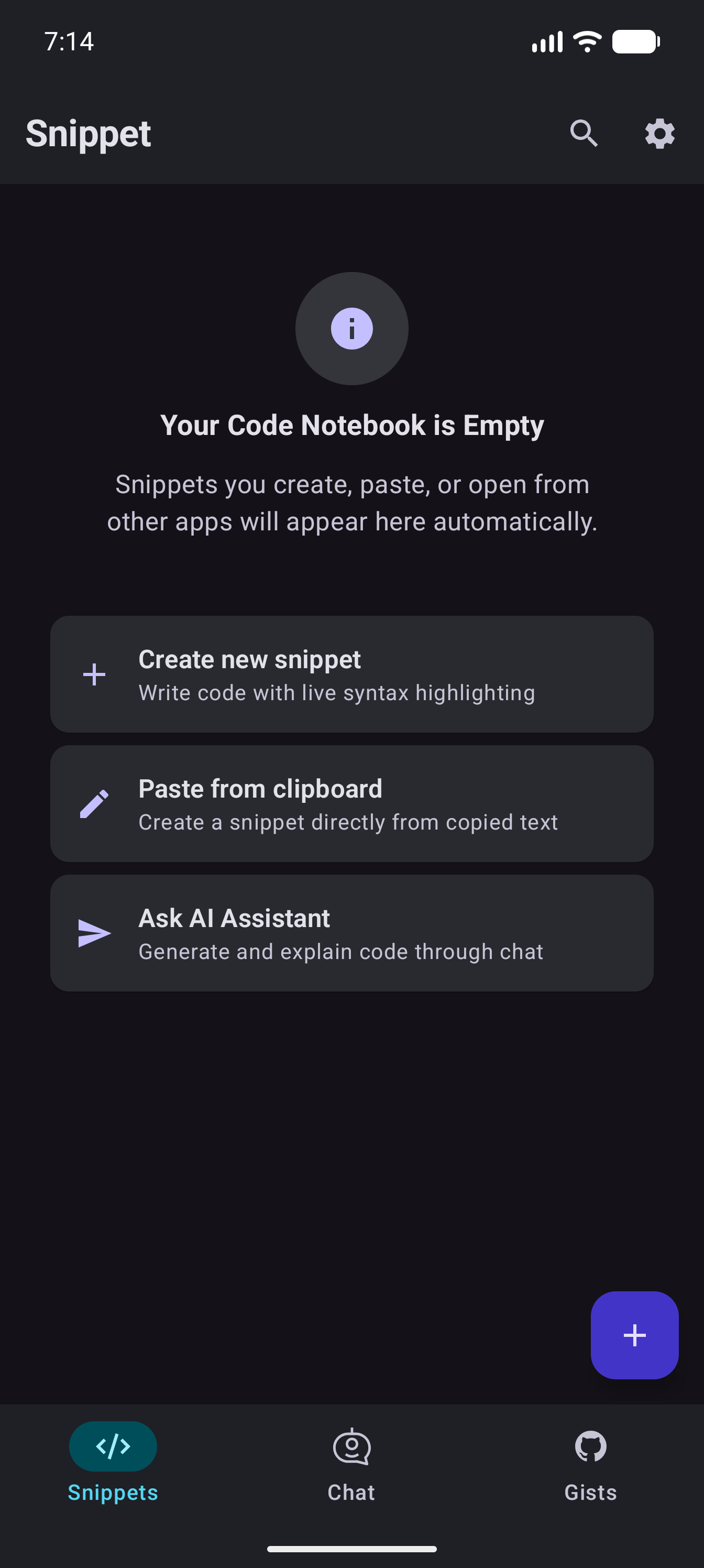
Code Notebook
Browse and search your saved snippets and notes with language tags and full-text search.
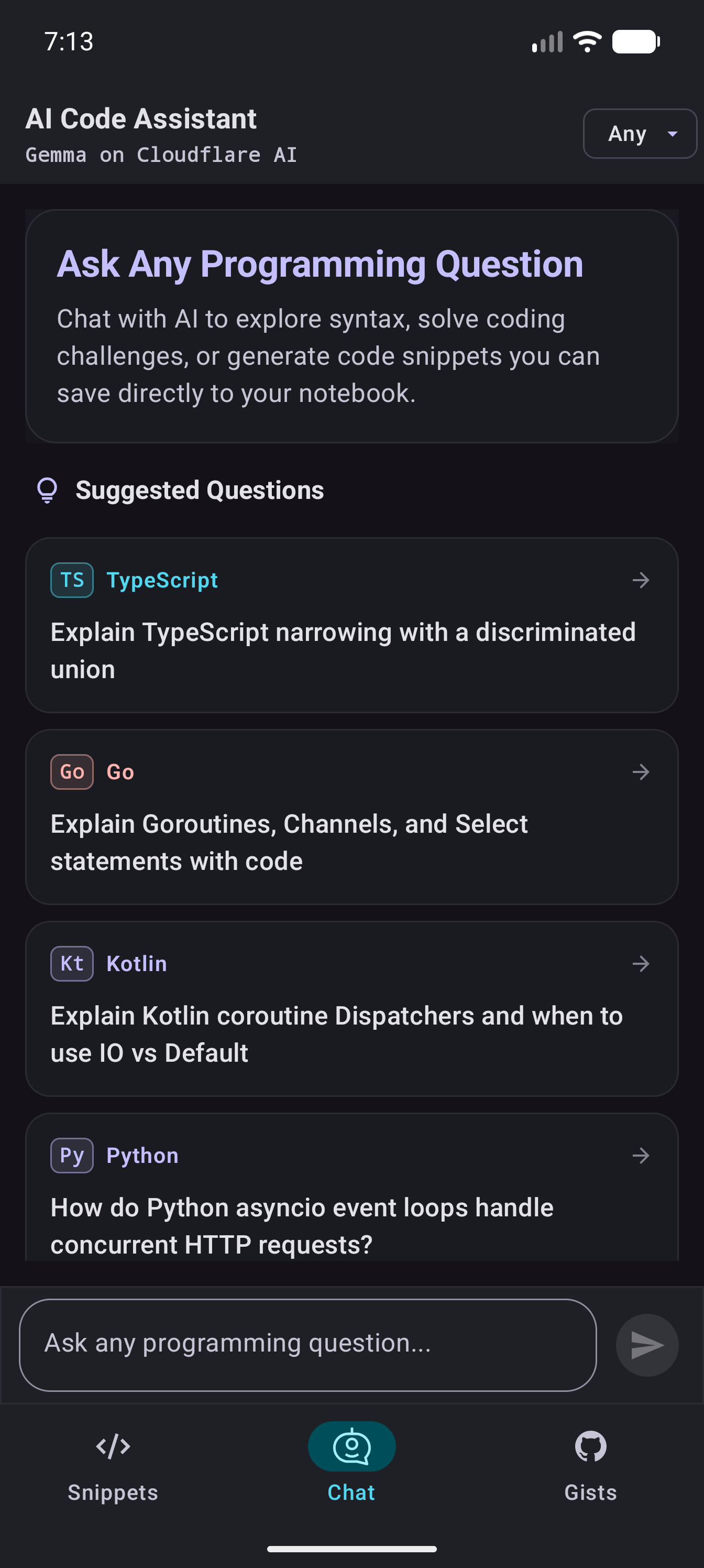
AI Assistant
Ask syntax questions, explore concepts, and save code blocks directly to your notebook.
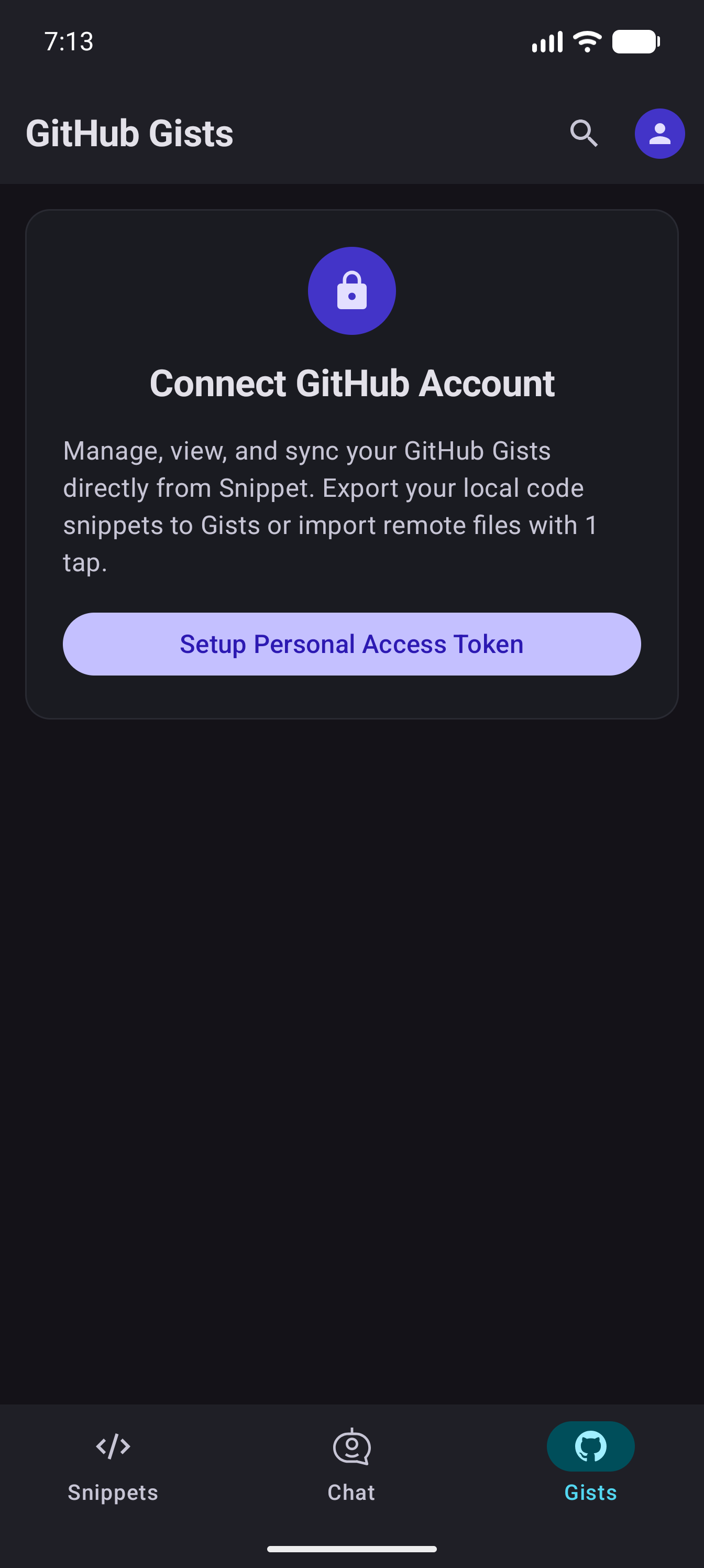
GitHub Gists Sync
Browse your GitHub Gists, inspect multi-file revisions, and import or export snippets.
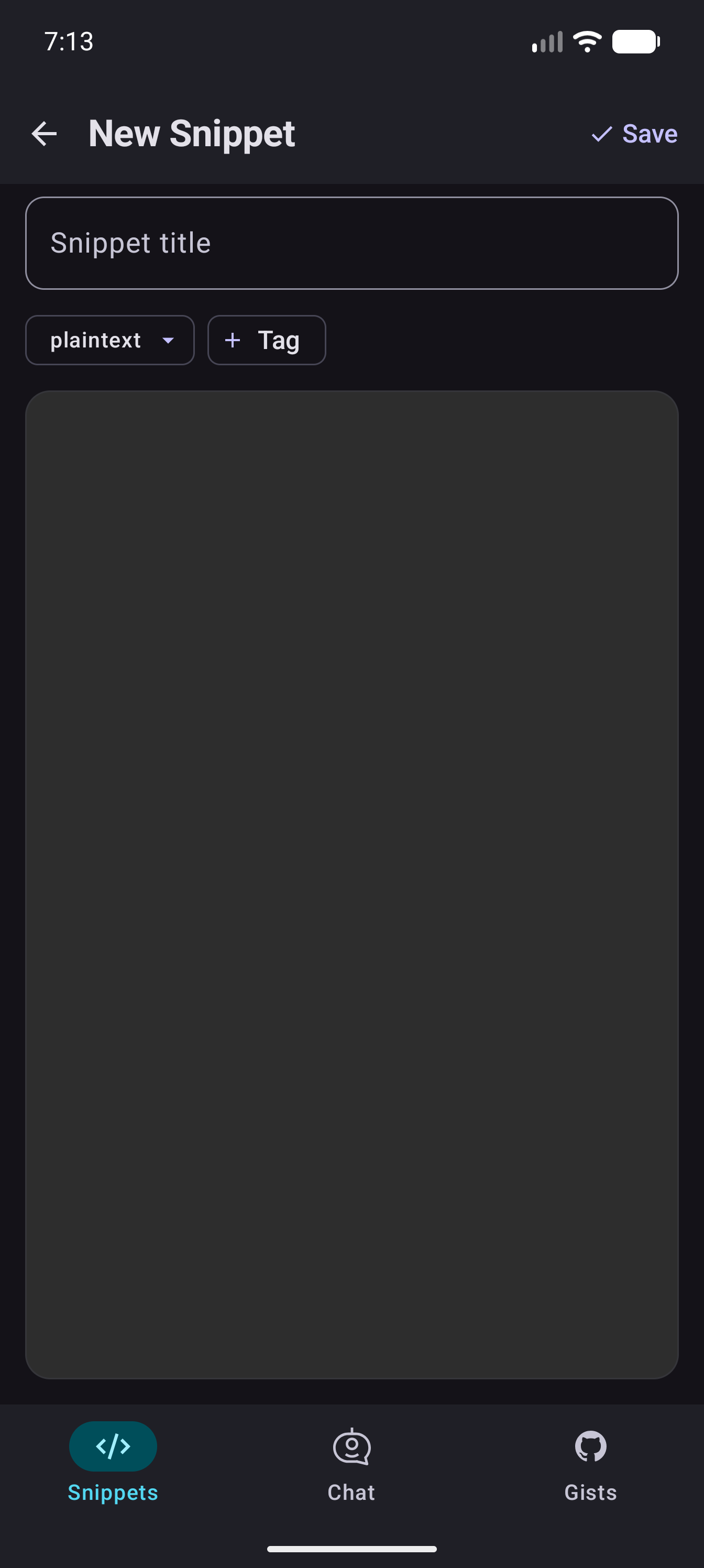
Snippet Editor
Edit code with syntax highlighting, manage tags, and import code via the Android share sheet.
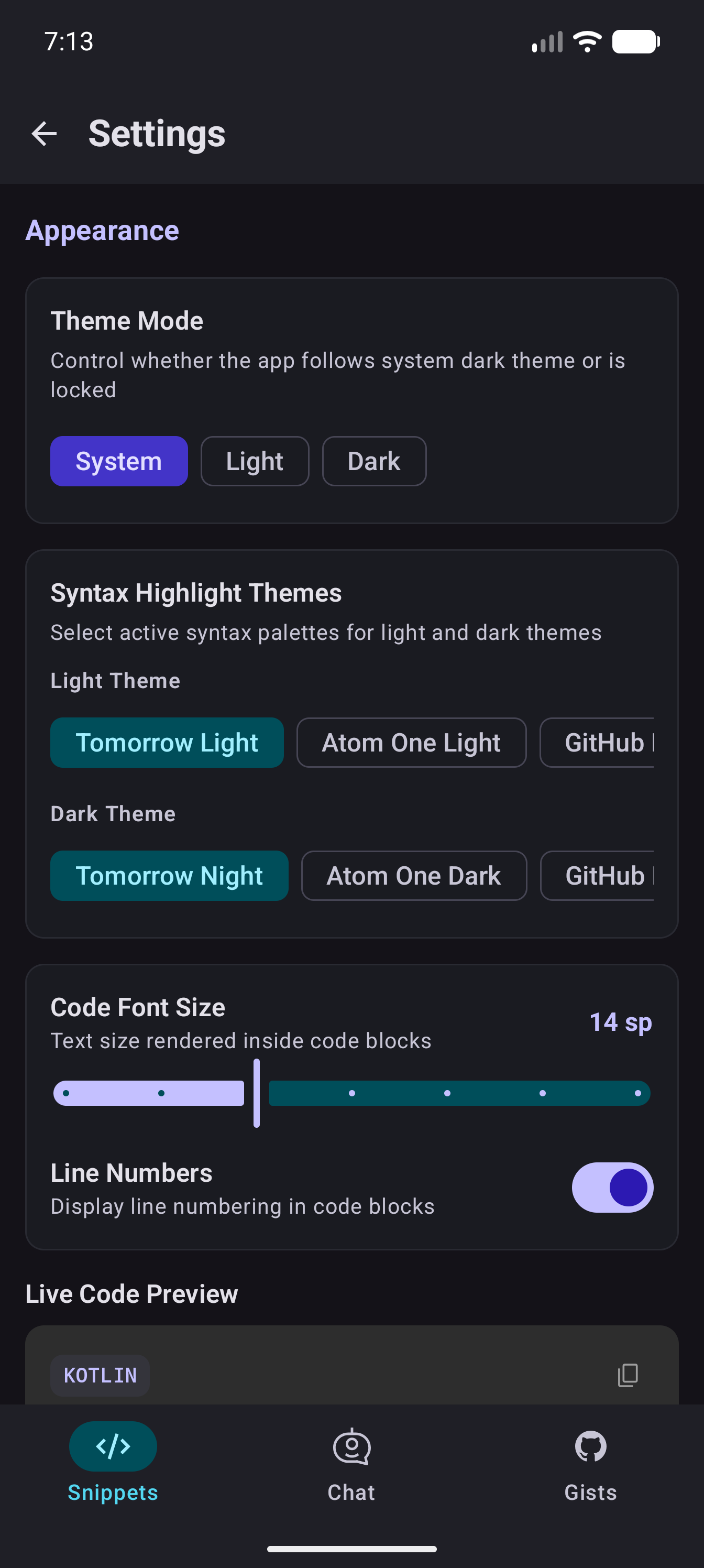
Settings & Appearance
Configure syntax themes, font size, line numbers, and optional API keys stored locally on device.
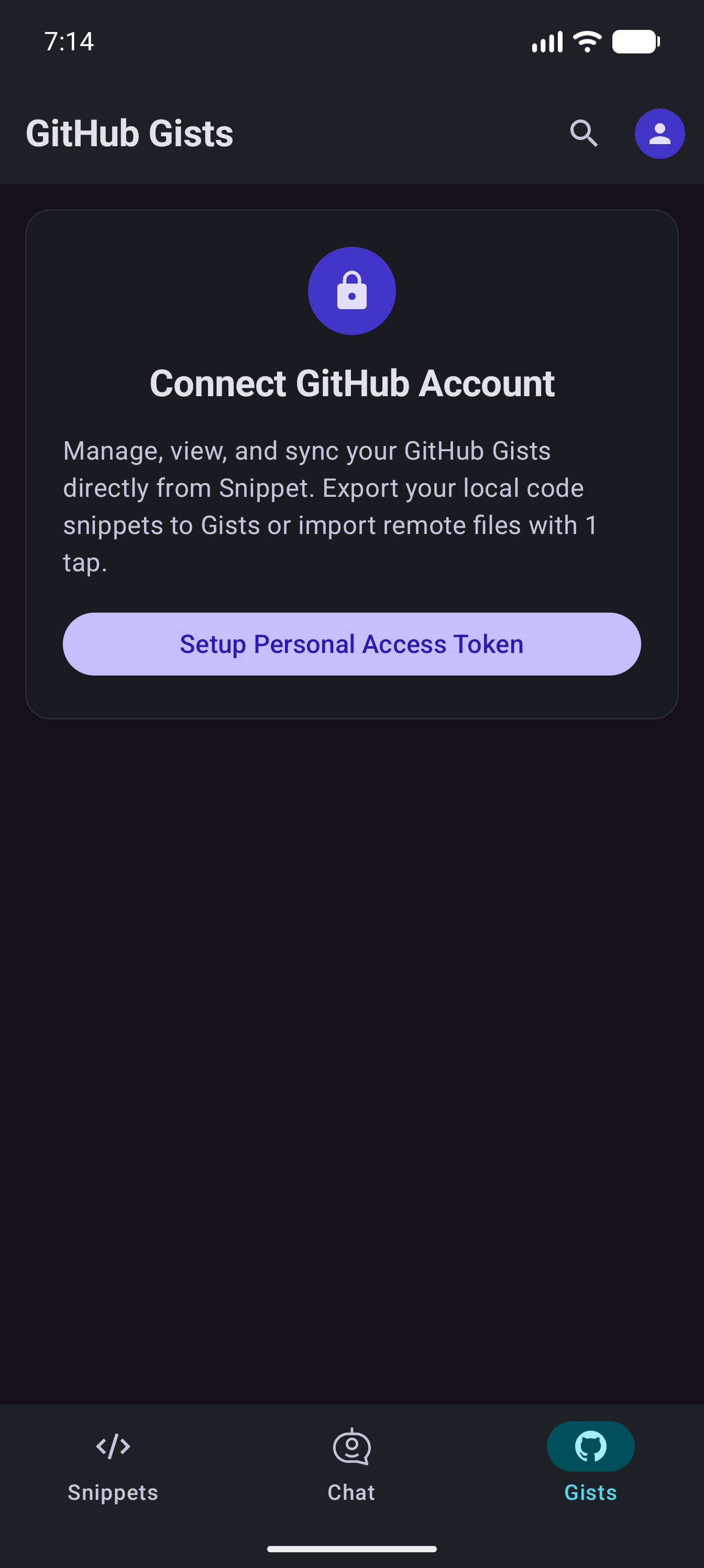
Adaptive Layout
Adaptive navigation rail and layout designed for landscape orientation and larger screens.
Supported Languages
Snippet supports syntax highlighting for dozens of major programming languages and formats:
Architecture & Technology
Snippet is engineered with modern Android development best practices and powered by open-source libraries:
- 🎨 Jetpack Compose & Material 3 Expressive: Fully declarative UI with dynamic colors and adaptive layouts for phones, foldables, and tablets.
- ⚡ compose-highlight: Open-source syntax highlighting library developed by Hossain Khan / Liquid Labs Inc.
- 🏛️ Slack Circuit UDF: Unidirectional data flow architecture with clear separation of UI and Presenter logic.
- 🔍 SQLite FTS4: Fast, local, full-text search indexing on device.
- 🔐 Jetpack DataStore: Private, secure on-device application storage for user API keys and GitHub tokens.
- 🚀 Baseline Profiles: Ahead-of-time compilation profiles for fast startup and smooth scrolling.
A Developer Notebook for Android
A lightweight, offline-first companion for keeping code snippets and exploring syntax themes on mobile.